G102 Controller — RGB Control for G102/G203 on Android (Unofficial)
A downloadable tool for Android
Your G102 is stuck on rainbow puke and you don't have a PC handy? Fixed.
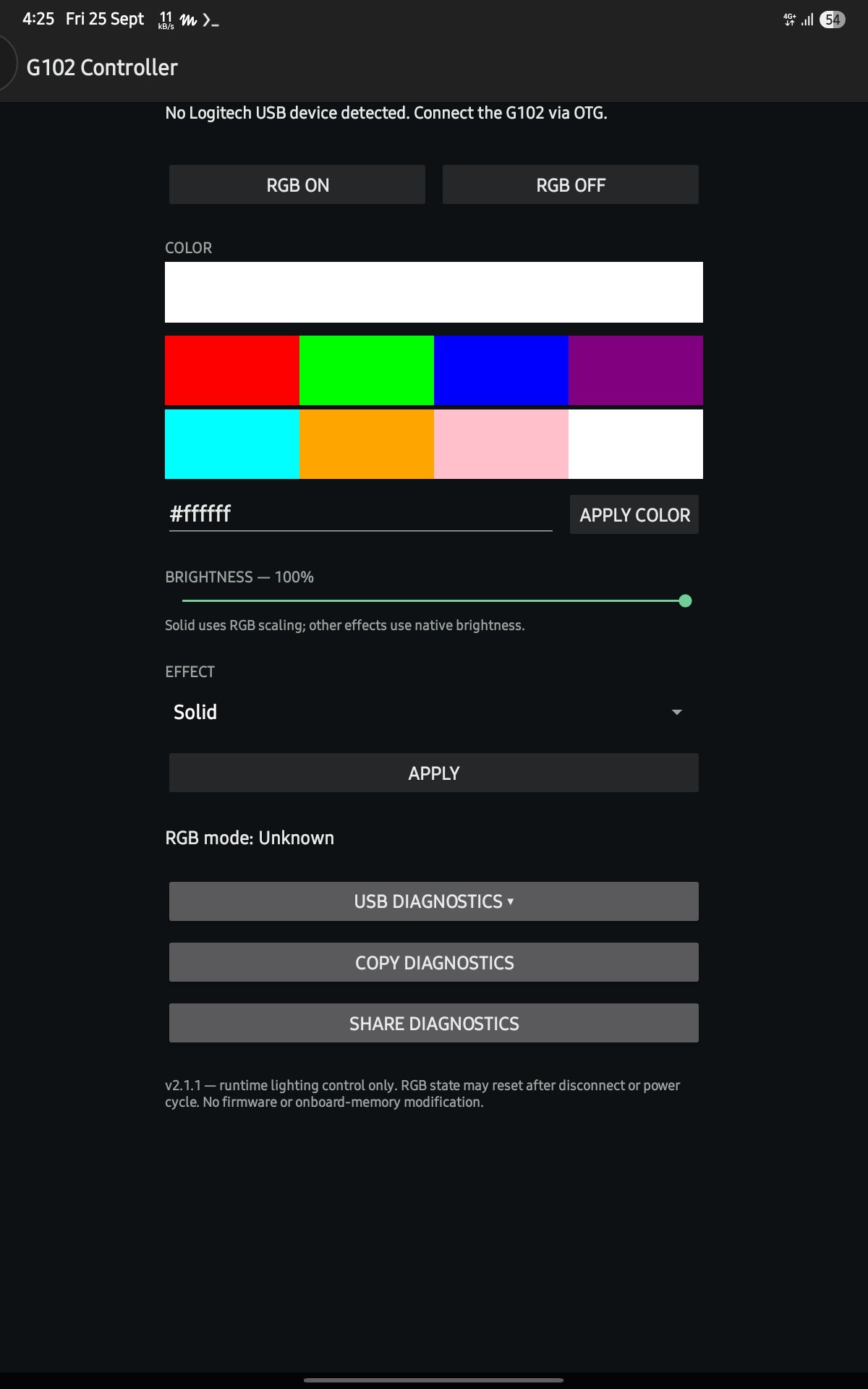
G102 Controller talks to your Logitech G102 or G203 LIGHTSYNC mouse directly over USB OTG and gives you full lighting control from your Android phone or tablet:
- RGB on/off, custom solid colors (presets or any hex value)
- Effects: Solid, Cycle, Wave (with direction), Breathe, Blend, three-zone colors
- Brightness control
- Phone and tablet layouts, portrait and landscape
- Fully offline: zero permissions, no network, no analytics, no account, no ads
What you need:
- Android 7.0+ phone or tablet with USB host support
- A USB OTG adapter
- A Logitech G102 / G203 LIGHTSYNC mouse
Install in 60 seconds:
1. Download the APK below
2. Allow "install unknown apps" when Android asks
3. Plug the mouse in via your OTG adapter
4. Open the app and tap GRANT USB ACCESS
Lighting is runtime control — power-cycling the mouse restores its onboard settings. The app never writes to the mouse's onboard memory, and commands are only sent when you tap a button.
Unofficial app. Not affiliated with, endorsed by, or supported by Logitech. "Logitech", "G102", "G203" and "LIGHTSYNC" are trademarks of Logitech; this app is an independent utility for hardware you own.
Enjoying the app? If you'd like to support development, tips are welcome via UPI: maybeamardeep@fam — thank you!
Download